
Report
Firefly has built-in features to query your data in various ways and create rich reports. If you prefer to use your own reporting tools though, that's fine too.
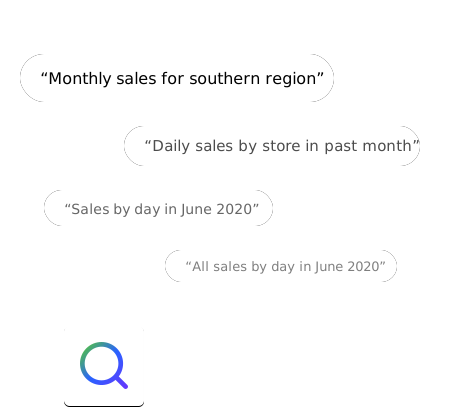
Firefly makes it easy to search your data using natural language queries. The more you ask, the smarter it gets.

Firefly provides an in-built SQL client to run queries on your ODBC databases directly. For advanced users, this provides the flexibility to create rich data queries for in-depth reports.
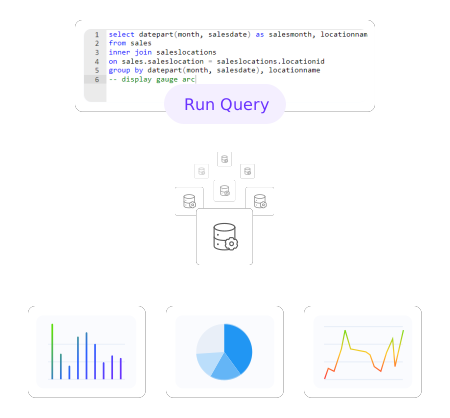
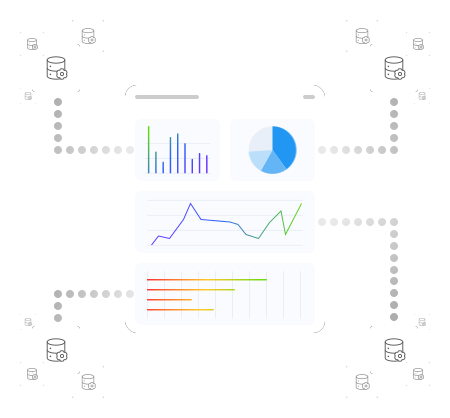
Combine data outputs from multiple sources into a recipe for monitoring. Connect multiple recipes into a recipe board to create a powerful report.
Firefly has been designed with an open data structure, which means you can connect your preferred B.I. tools to our database and report the way you want to.


Yes. Firefly will build a solution that allows you to access data in any way you like. You can, of course, use Firefly to access your data, and it may be all you need. But we appreciate that there may be a period of transition, or lots of users that are familiar with your existing tools... you can replace or supplement your existing reporting solutions. We encourage our users to use Firefly as much as possible, and keep all the answers in one place, but we recognise business needs may not always support this.
There is no limit on the number of data sources we can pull into Firefly, subject only to licensing or subscriptions purchased.
A Recipe is a key piece of information or metric that you wish to track. A Recipe Board is the canvas used to design and present the visualisations chosen by you to display your tracked Recipes.


